activator:bigboss
ifile : cydia.vn
airblue sharing :cydiahip.com
fake carrier: bigboss
killbackground8:bigboss
iap cracker : repo.biteyourapple.net
barrel : cydia.vn
appsync 5/6/7/8 :cydiahip.com
localiapstore: repo.biteyourapple.net
quicklock46 : devbug.me/apt
wifi password: bigboss
betterfiveiconsdock:cydia.vn
appvn:install from appstore.vn(safari)
Hiển thị các bài đăng có nhãn Ios. Hiển thị tất cả bài đăng
Hiển thị các bài đăng có nhãn Ios. Hiển thị tất cả bài đăng
Thứ Sáu, 5 tháng 12, 2014

Thứ Tư, 19 tháng 3, 2014
jaibreak ios 6.1.3 p0sixspwn 1.0.7 has stopped working

itunes 11 and above , has fixed restore with custom firmware ,so
use itunes older version
or use this fix
https://www.dropbox.com/s/zy5pp0fdg0tgnio/iTunes%20v11.1%20Error%2011%20Fix_v1.4.zip
Thứ Ba, 18 tháng 3, 2014
ios TVout cable not fullscreen
Go to cydia :
install displayout
go to settings , displayout , scale porstrait/landscape
install displayout
go to settings , displayout , scale porstrait/landscape
Thứ Ba, 5 tháng 3, 2013
direct install ipa on ios6
cydia :add source : cydia.myrepospace.com/ilex
install package : ilex Ipa Installer
respring
copy ipa files (use ifile ) to :/var/mobile/Media/general_storage
run ilexipa
install package : ilex Ipa Installer
respring
copy ipa files (use ifile ) to :/var/mobile/Media/general_storage
run ilexipa
Thứ Sáu, 1 tháng 6, 2012
chương trình app store của trung quốc ,app soupingguo download store for ios ,
http://ios.soupingguo.com/
Thứ Năm, 31 tháng 5, 2012
Cập nhật và jailbreak IOS 5.1.1
Update ios 5.1.1
Cách 1 vào setting general Software update : và đợi download xong
cách 2 :
Download iTunes http://www.apple.com/itunes/download/
Download iOS 5.1.1 IPSW file for your iDevice. http://www.weiphone.com/ios/
sau đó cắm cáp usb vào máy tính
mở itunes
device
nhấn shift và chọn restore ( nếu nhấn restore itunes sẽ tự động down firmware trên mạng)
 chọn file firmware vừa download
 và đợi cho đến khi hoàn tất
Jailbreak :
sử dụng absinthe 2.0.4 để jailbreak
và đợi cho đến khi hoàn tất
Jailbreak :
sử dụng absinthe 2.0.4 để jailbreak


Các ứng dụng cydia cần thiết
Sau khi Jailbreak các bạn nên cài các ứng dụng cydia hữu ích sau
Vào cydia
Vào source :
Edit add
 Cydia.heaveniphone.com (và cydia.ifans.vn)

 Add anyway

 Sau đó ta vào search : gõ vào các ứng dụng sau
Appsync for ios 5.0+ (source: heaveniphone ) dùng cho ios 5 trở lên
Là app rất quan trọng dùng để cài chương trình crack
Sau đó ta vào search : gõ vào các ứng dụng sau
Appsync for ios 5.0+ (source: heaveniphone ) dùng cho ios 5 trở lên
Là app rất quan trọng dùng để cài chương trình crack

 Hipstore: (source : holylandiphone hoặc heaveniphone)
Dùng để download các chương trình crack từ server Holylandiphone hoặc heaveniphone . để đổi server vào setting home url : http://store.ifans.vn ( ifans.vn) store.heaveaniphone.com ( heaveniphone)
Hipstore: (source : holylandiphone hoặc heaveniphone)
Dùng để download các chương trình crack từ server Holylandiphone hoặc heaveniphone . để đổi server vào setting home url : http://store.ifans.vn ( ifans.vn) store.heaveaniphone.com ( heaveniphone)

 Installous 4 ( source holylandiphone)
Sử dụng để cài file Ipa
Installous 4 ( source holylandiphone)
Sử dụng để cài file Ipa
 Ifile : (source holylandiphone)
Quản lý file
Ifile : (source holylandiphone)
Quản lý file
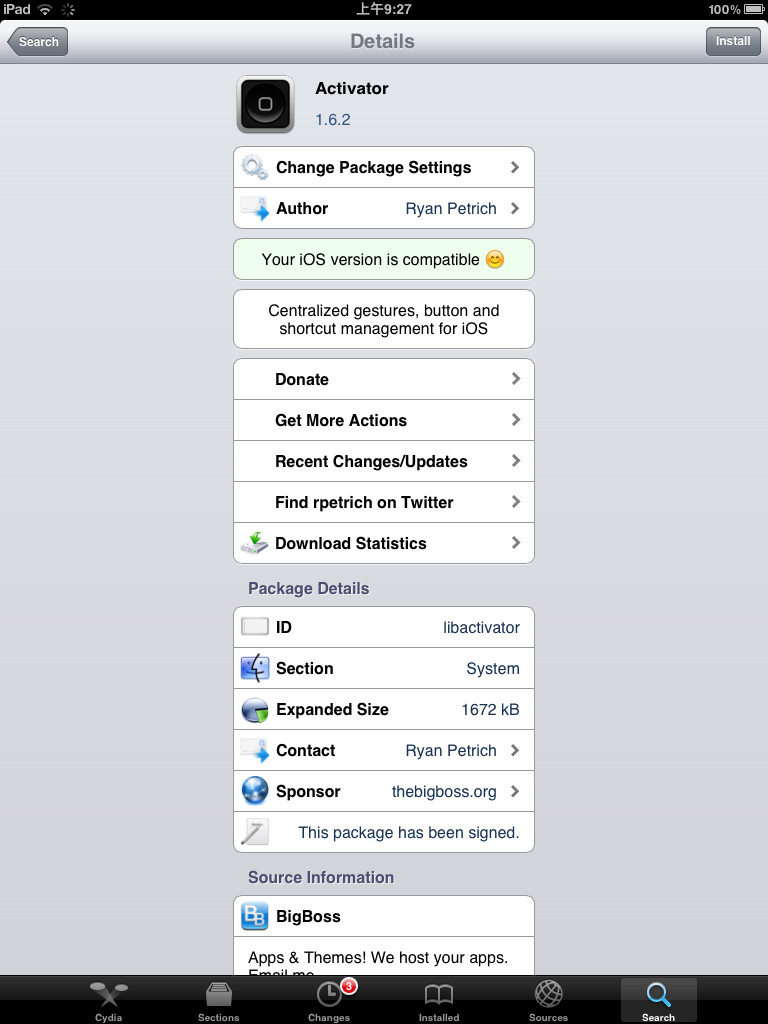
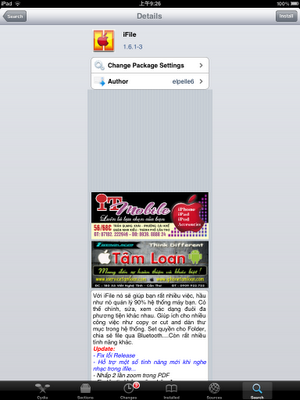 Activator :source : bigboss
Dùng để sử dụng phím tắt để chạy các chương trình dùng để chạy sbsettings : giả sử nhấp 4 lần để tắt máy ….
Activator :source : bigboss
Dùng để sử dụng phím tắt để chạy các chương trình dùng để chạy sbsettings : giả sử nhấp 4 lần để tắt máy ….
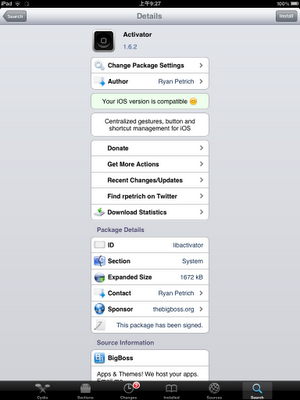 SBSettings : source bigboss
Dùng để tắt mở các chức năng của máy 1 cách thuận tiện
SBSettings : source bigboss
Dùng để tắt mở các chức năng của máy 1 cách thuận tiện
 Omnistat: source:holylandiphone
Hiển thị thông tin của máy trên cửa sổ Notification Center
Omnistat: source:holylandiphone
Hiển thị thông tin của máy trên cửa sổ Notification Center
 KillBackground source :bigboss
Dùng để tắt tất cả ứng dụng 1 lúc
KillBackground source :bigboss
Dùng để tắt tất cả ứng dụng 1 lúc
 Infinifolder : source:holylandiphone
Ios chỉ cho phép tạo tối đa 12 folder . ứng dụng này cho phép vượt qua giới hạn đó
Infinifolder : source:holylandiphone
Ios chỉ cho phép tạo tối đa 12 folder . ứng dụng này cho phép vượt qua giới hạn đó
 Infinidock: source: heaveniphone
Dùng để quản lý dock , tạo thêm nhiều icon trên dock
Infinidock: source: heaveniphone
Dùng để quản lý dock , tạo thêm nhiều icon trên dock
 Iapfree: source:holyland iphone
Giúp hack inap purchase ( chức năng mua đồ trong chương trình ) chẳng hạn mua đồ trong game
Iapfree: source:holyland iphone
Giúp hack inap purchase ( chức năng mua đồ trong chương trình ) chẳng hạn mua đồ trong game
 Quicklock :source bigboss
Dùng để khóa máy mà không cần dùng nút power
Quicklock :source bigboss
Dùng để khóa máy mà không cần dùng nút power
 RetiaPad: source holylandiphone
 Airbluesharing : heaveniphone
gửi file qua bluetooth
để nhận file cần phải sửa lỗi
Airbluesharing : heaveniphone
gửi file qua bluetooth
để nhận file cần phải sửa lỗi
 wifi password source bigboss
dùng để xem các mật mã wifi đã lưu trong máy
wifi password source bigboss
dùng để xem các mật mã wifi đã lưu trong máy




Thứ Ba, 15 tháng 5, 2012
quasar chương trình chạy cửa sổ cho ipad , quasar
http://www.mediafire.com/?y3v8yohv82oc27f
lưu ý : đụng với retinapad không sử dụng khi cài retinapad
crash with retinapad
airblue sharing không nhận được file ,airblue sharing can't receive file
nguyên nhân : do airblue stack cập nhật mới không tương thích ta down về bản cũ
www.mediafire.com/?oc0toiir4ei6qu7
sử dụng webbrowser có hỗ trợ download như meteoric :http://www.soupingguo.com/App/441166467
sử dụng ifile để cài
hoặc copy từ computer qua sử dụng ifile để cài
cause : airblue stack updated , use old version
www.mediafire.com/?oc0toiir4ei6qu7
use web browser support download like meteoric , and use ifile to install
or copy from your computer and use ifile to install
Lỗi Retina pad tự động Zoom out retinapad auto zoom out
Nguyên nhân do xung đột với quasar
Remove quasar
Đăng ký:
Bài đăng (Atom)